Remove background
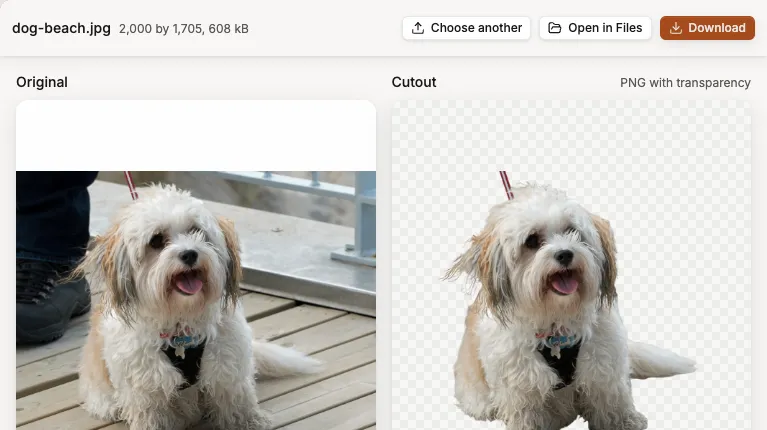
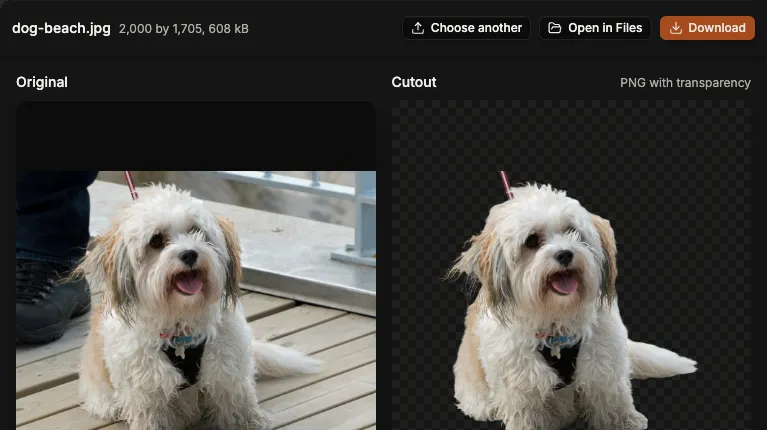
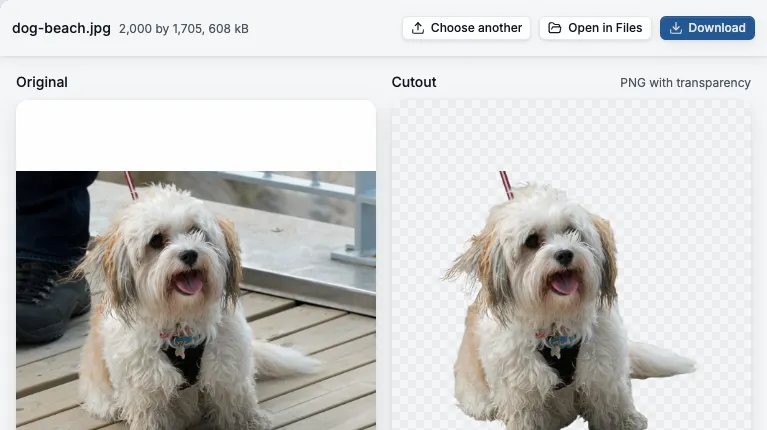
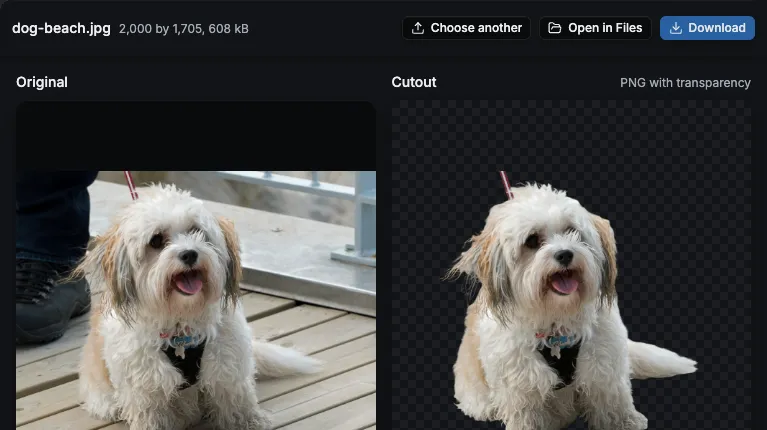
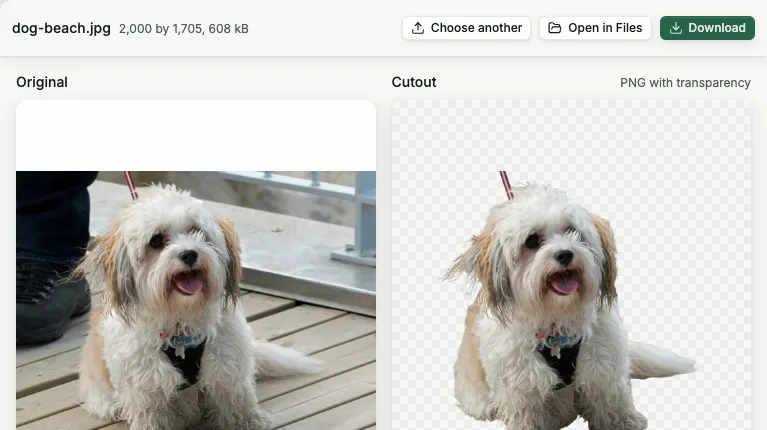
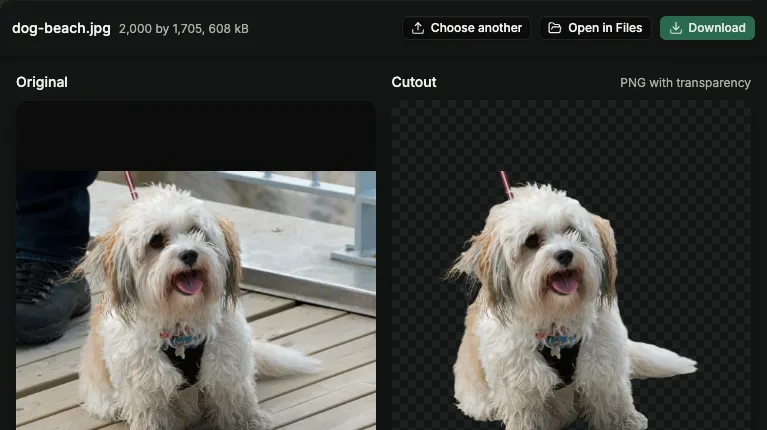
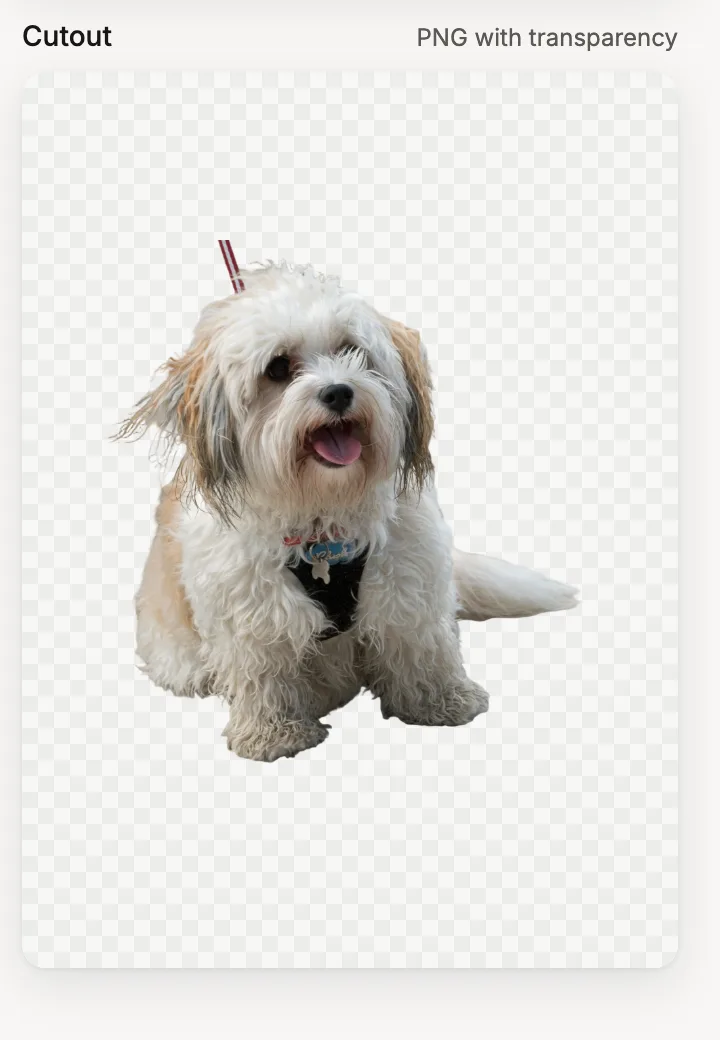
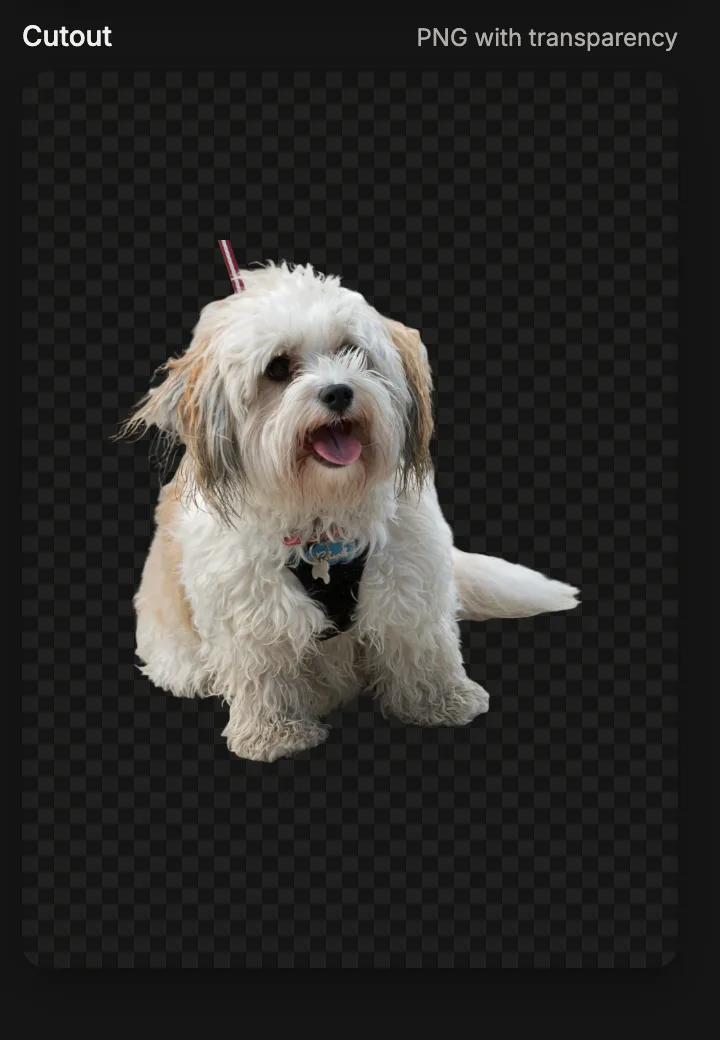
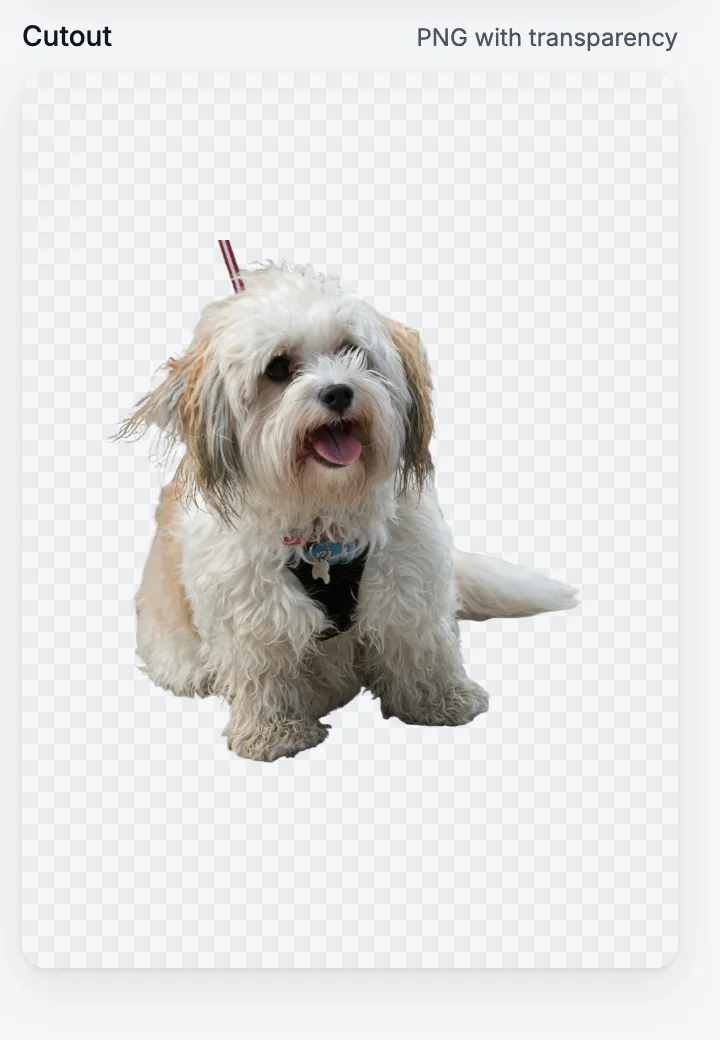
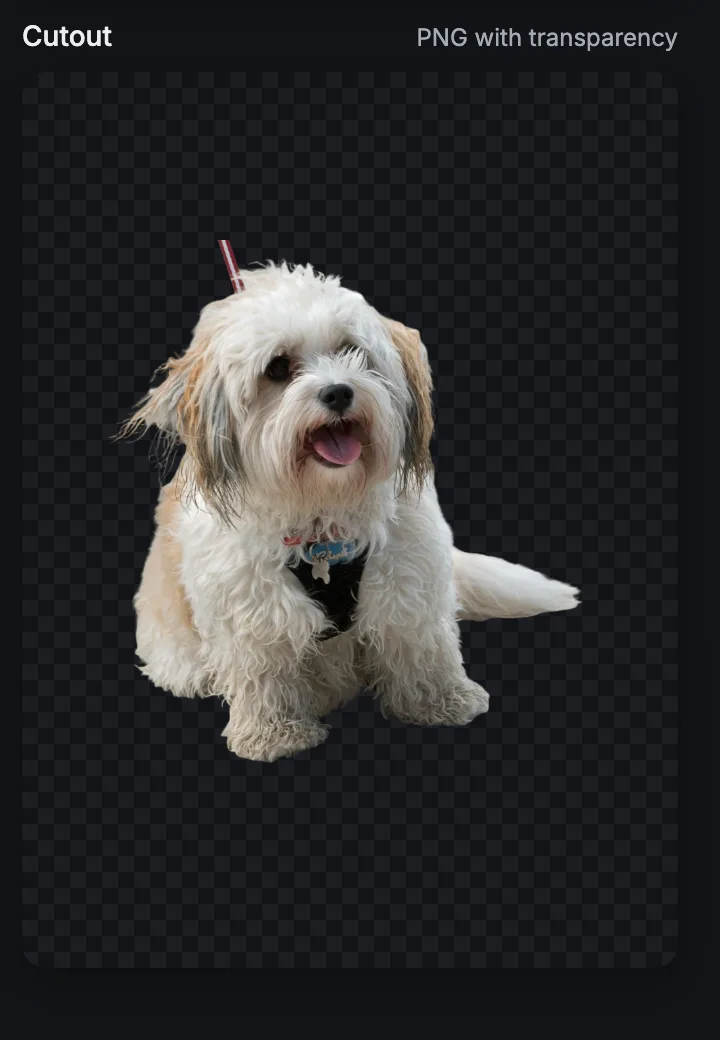
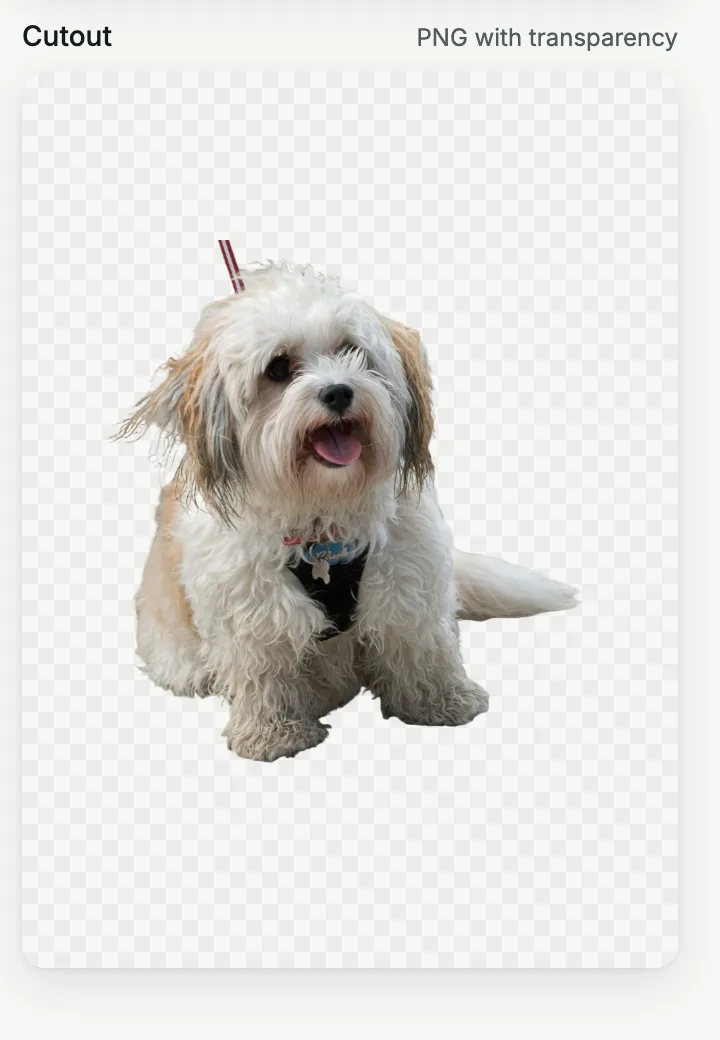
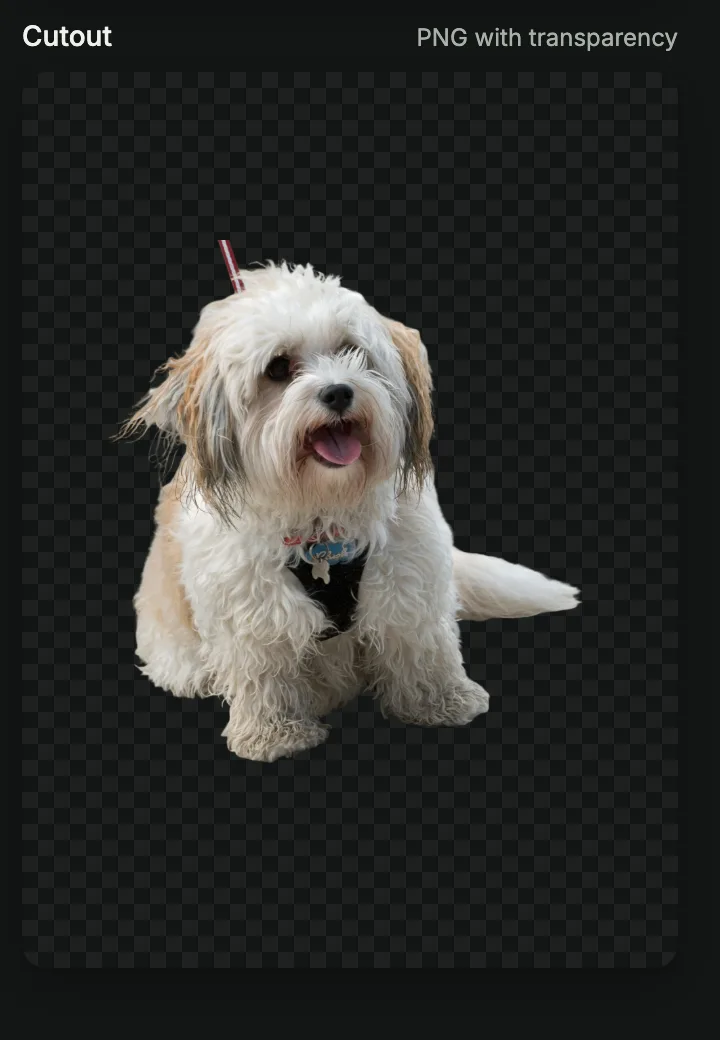
Add a photo and get the subject back on a transparent background, ready for a profile picture, a product shot or a slide.
10 credits per imageA JPEG, PNG or WebP photo, up to 4 MBUp to 4 MB
Opens in Specify Work at www.specifywork.com. Sign in there to use your credits and keep the result in Files.


How it works
Press Use Remove background, sign in at www.specifywork.com and add your file. You see the price before it runs, and the result waits in Files.
See pricingQuestions
- How good are the edges?
- Clean on most photos, including hair and fur. Very busy backgrounds can leave small marks, so check the result before you use it.
- What if a job fails?
- Its credits come back. They are charged only when the file is saved.
Related tools
Upscale image
Make a small photo two or four times bigger and keep it sharp.
Images to PDF
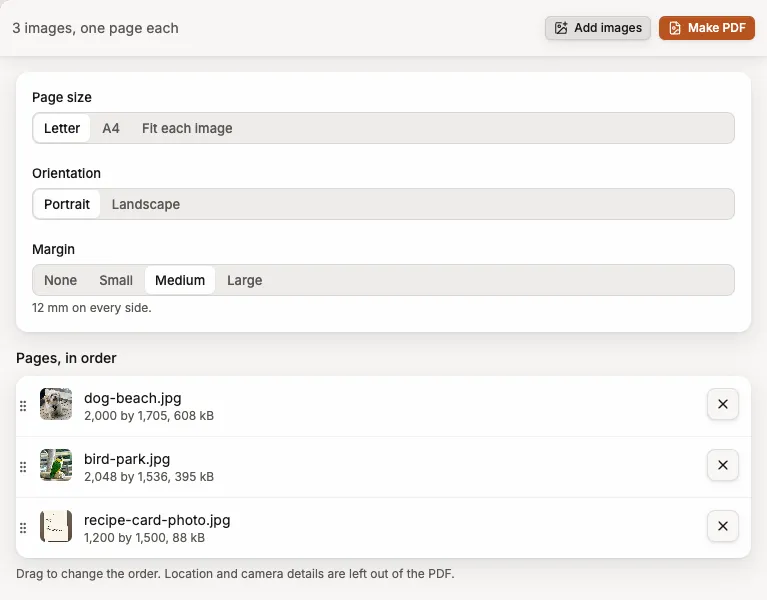
Turn photos or scanned pages into one PDF.