Markdown to PDF
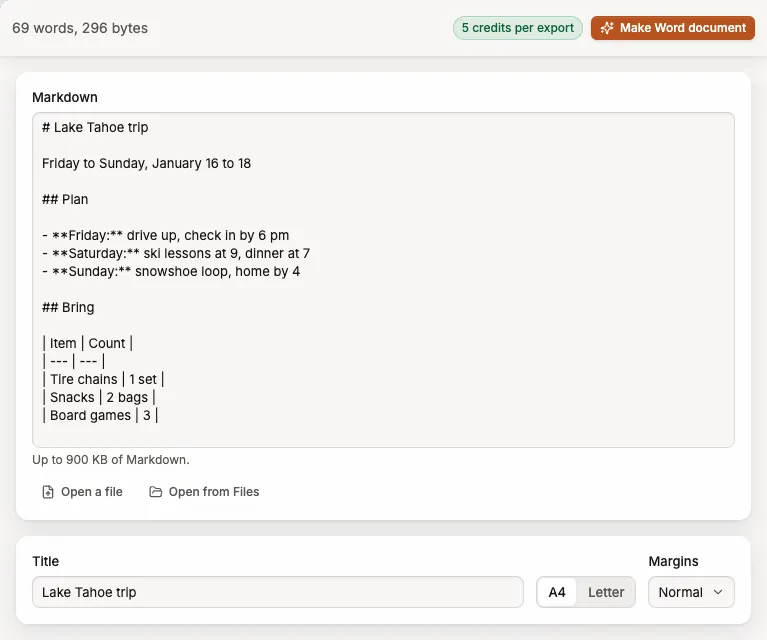
Write or paste Markdown and make a PDF with tidy headings, lists and tables.
5 credits per exportMarkdown you type, paste or open from a file, up to 900 KBUp to 900 KB
Opens in Specify Work at www.specifywork.com. Sign in there to use your credits and keep the result in Files.
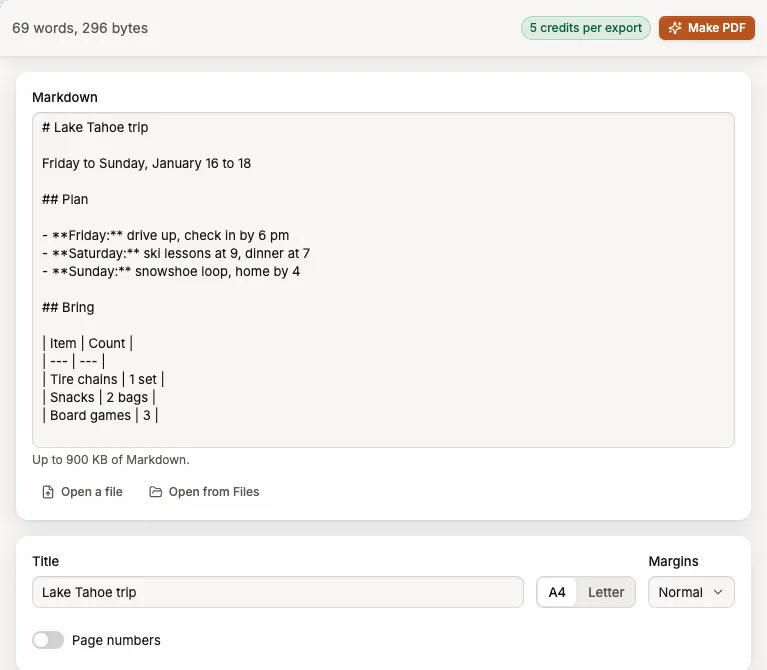
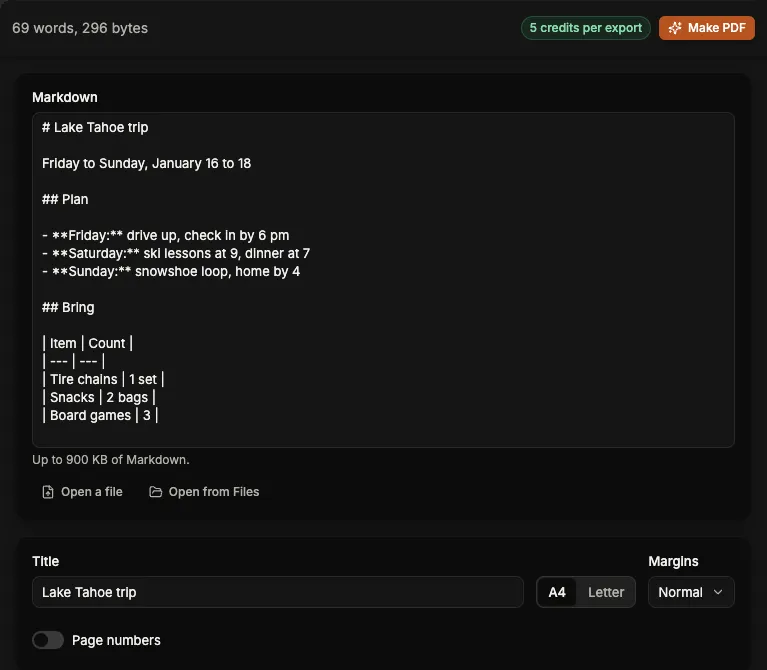
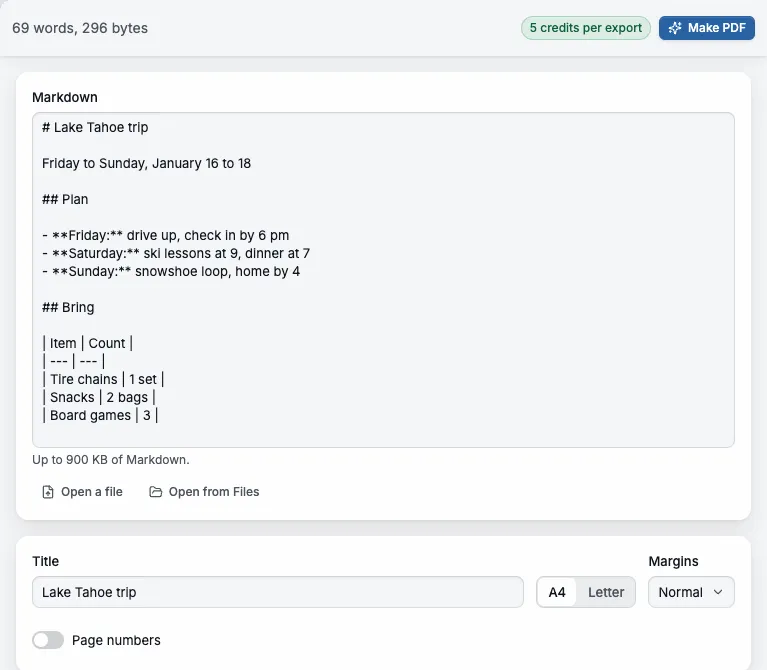
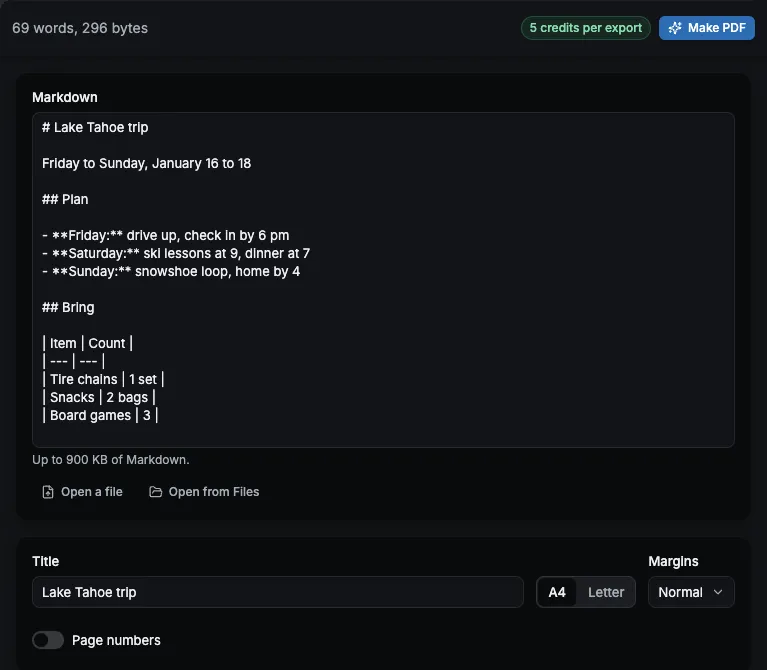
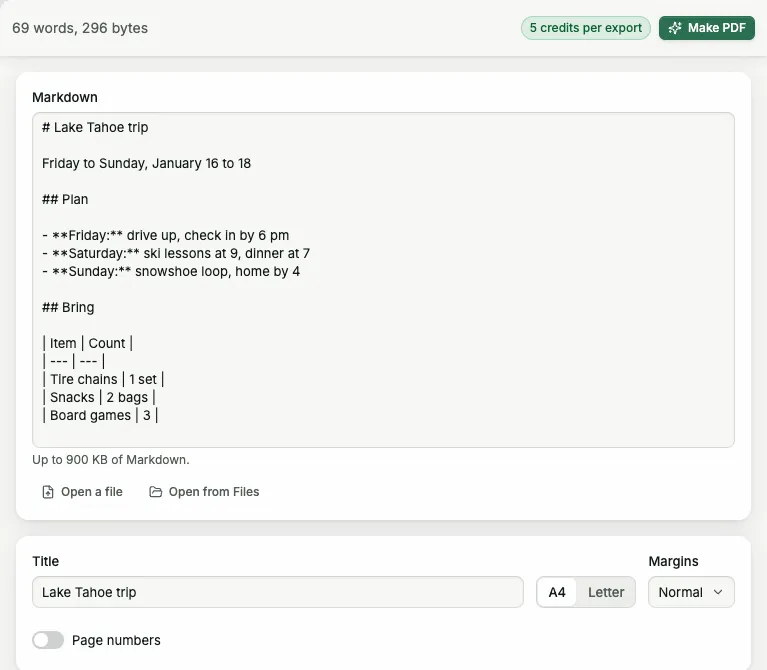
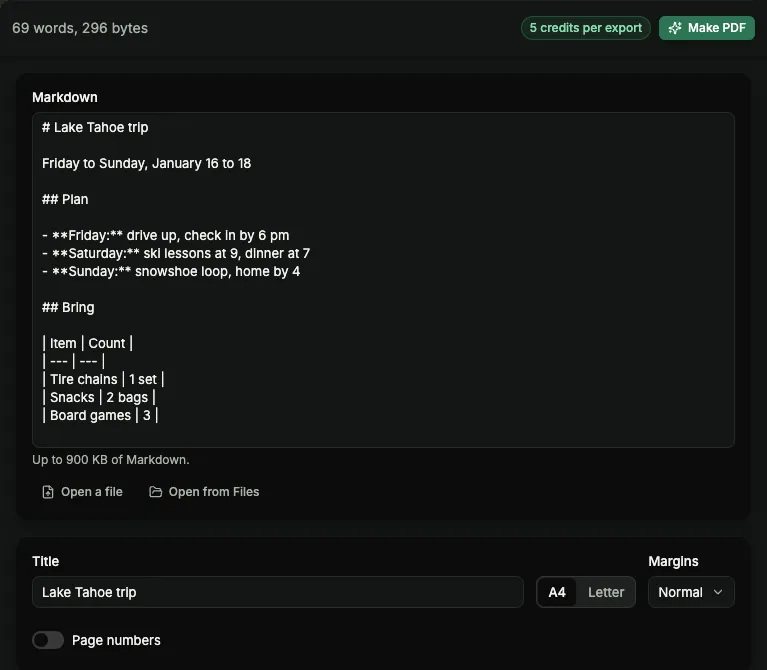
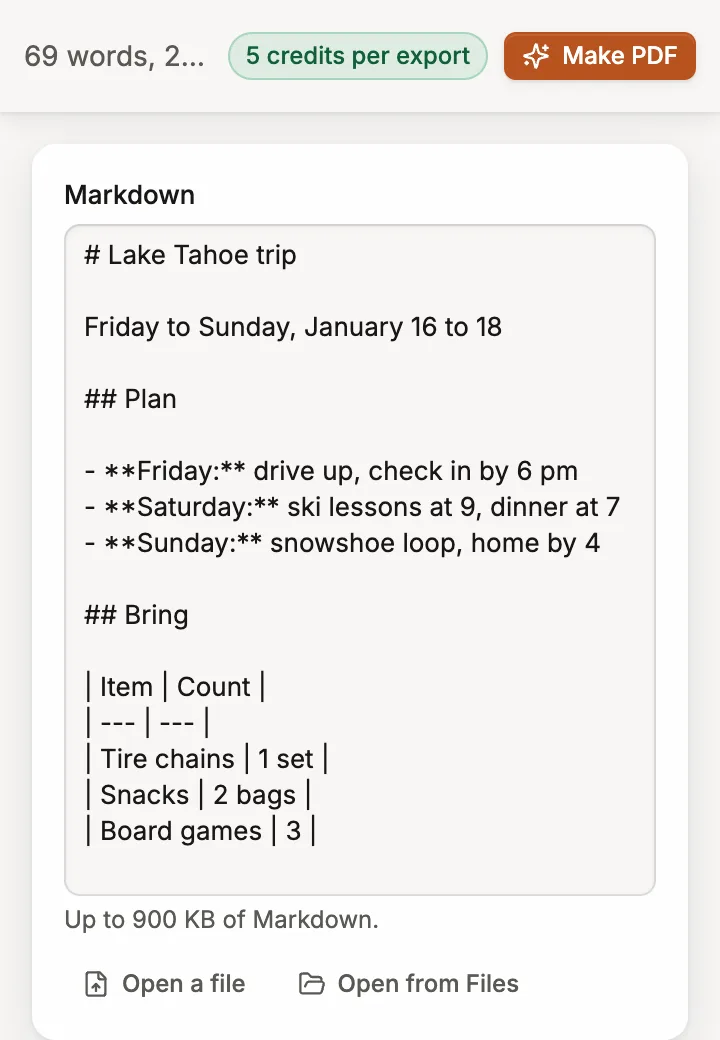
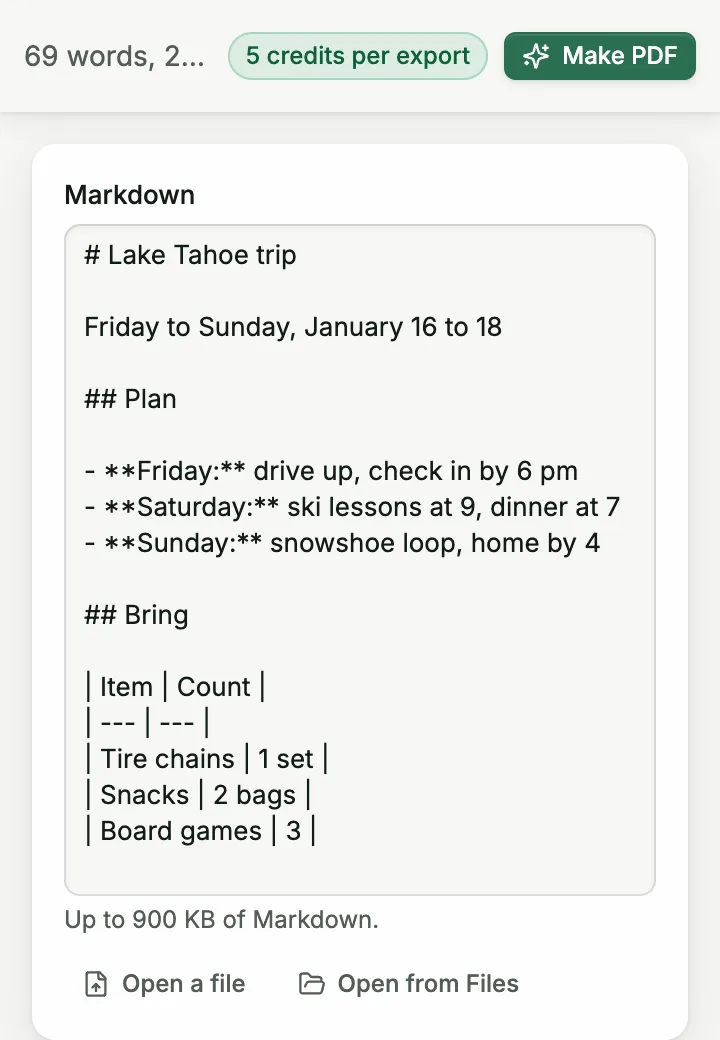
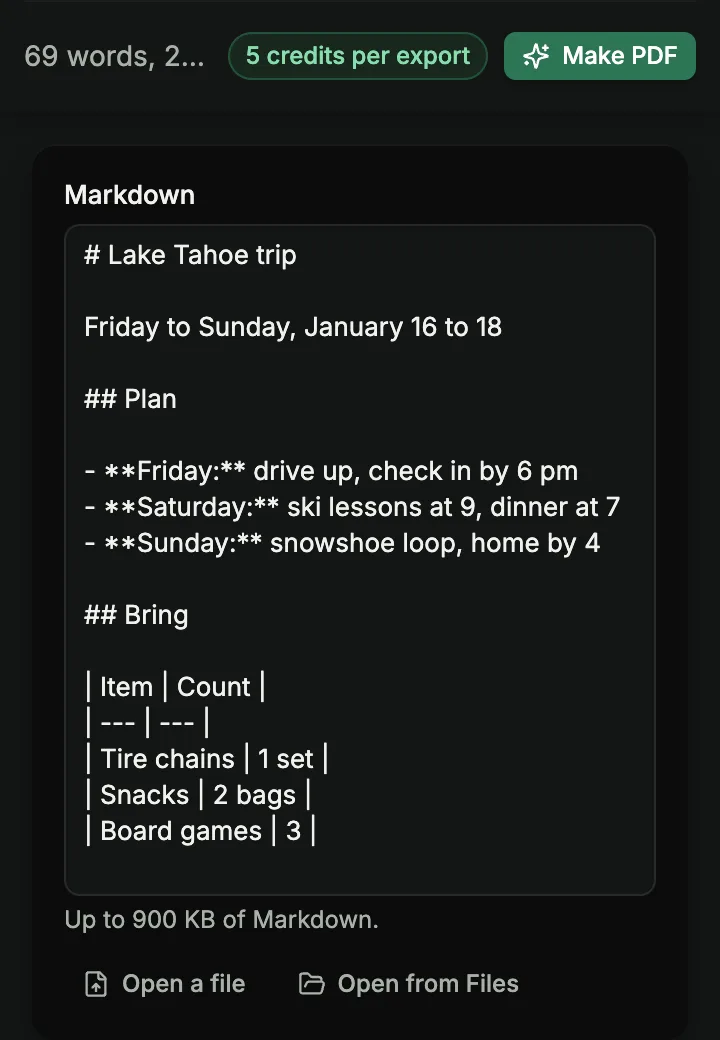
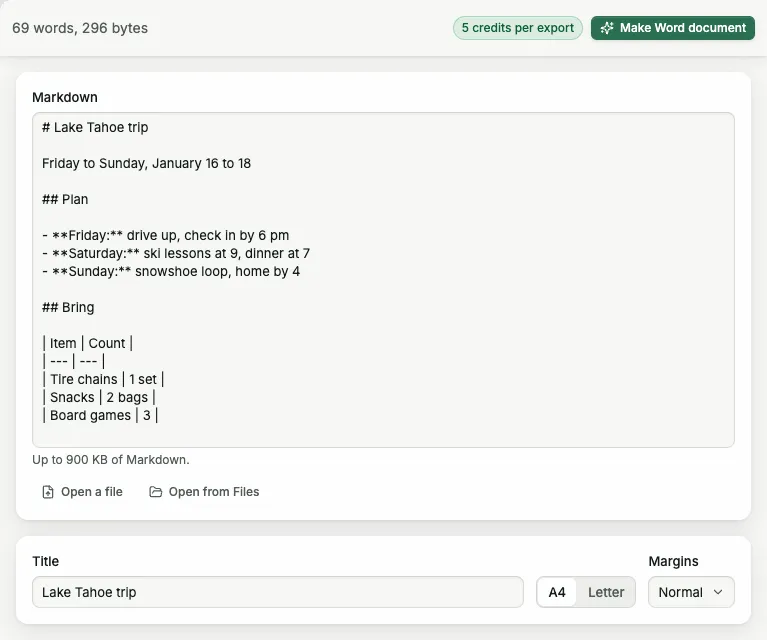
# Spring market

Fresh produce every **Saturday**.

- Open 8 am to 1 pm
- 24 local growers
- Free parking

| Stall | Items |
| ----- | ----- |
| Farm  | 18    |
| Bakery| 9     |
PDFSpring marketFresh produce every Saturday.Open 8 am to 1 pm24 local growersFree parkingStallItemsFarm18Bakery9
The PDFHow it works
Press Use Markdown to PDF, sign in at www.specifywork.com and add your file. You see the price before it runs, and the result waits in Files.
See pricingQuestions
- When are credits used?
- When you make the PDF. Specify makes it on its servers, saves it to your Files and then shows it, and that run uses the credits.
- Can I get a Word file instead?
- Yes. Markdown to Word makes one from the same text, at the same price.
- What if a job fails?
- Its credits come back. They are charged only when the file is saved.
Related tools
Markdown to Word
Write in Markdown and get a Word file you can keep editing.
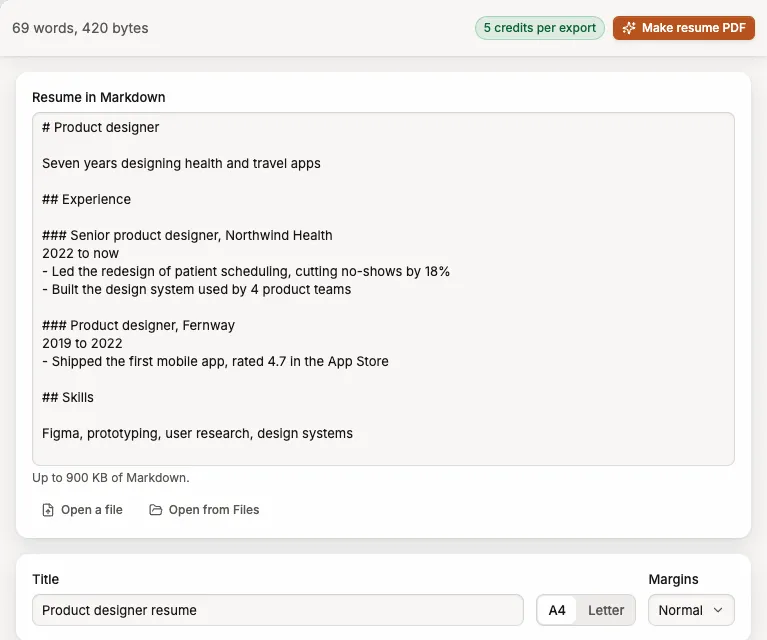
Resume to PDF
Write your resume in Markdown and get a clean PDF to send.
Merge PDFs
Combine PDFs into one, in the order you choose.